Keep Your Spending in Check
Set a goal, track your buys, and stay within budget, all in one tap.
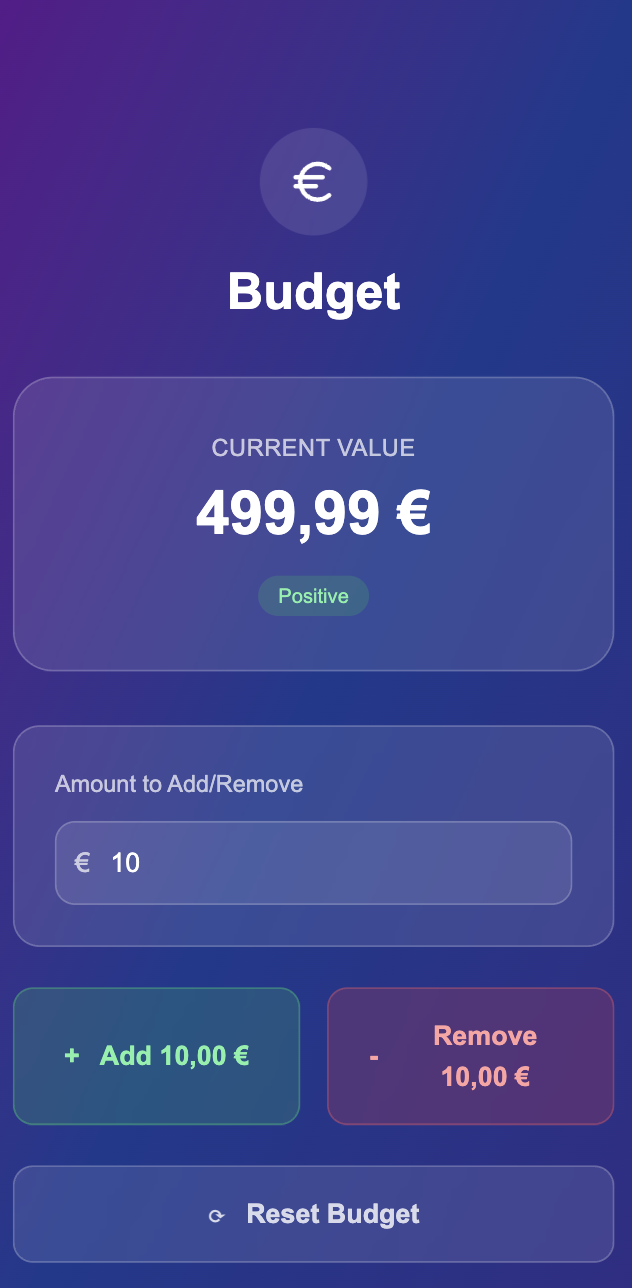
Everything You Need to Manage Your Money
Simple, powerful tools to help you take control of your finances and reach your goals.
Budget Tracking
Set monthly budgets and stay on track with your financial goals.
Expense Tracking
Track every purchase you make. Get comprehensive insights into your spending patterns and habits.
Transaction History
Access your complete spending history. Review past transactions and analyze your financial trends.
Install Balanso on Your Phone
It's super easy! Just follow these simple steps to get Balanso on your phone like a real app.
Open Safari & Tap Share
Go to balanso.com in Safari browser and tap the share button at the bottom of your screen.
Find 'Add to Home Screen'
Scroll down in the share menu and tap 'Add to Home Screen'.
Give it a Name
You can change the app name or keep 'Balanso', then tap 'Add'.
Find Your New App
Look for the Balanso app icon on your home screen and tap it to open!
Works offline
Feels like a real app
Safe and secure
Frequently Asked Questions
Got questions? We've got answers! Here's everything you need to know about Balanso.